


配图图库

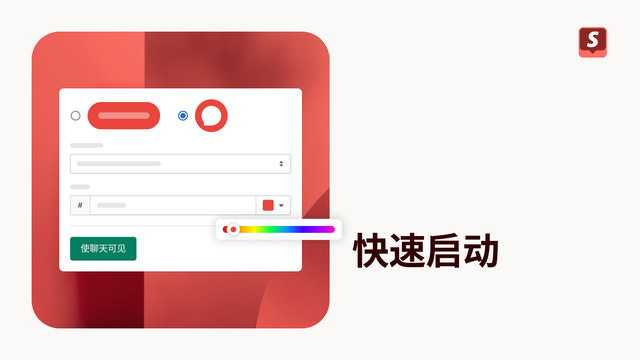
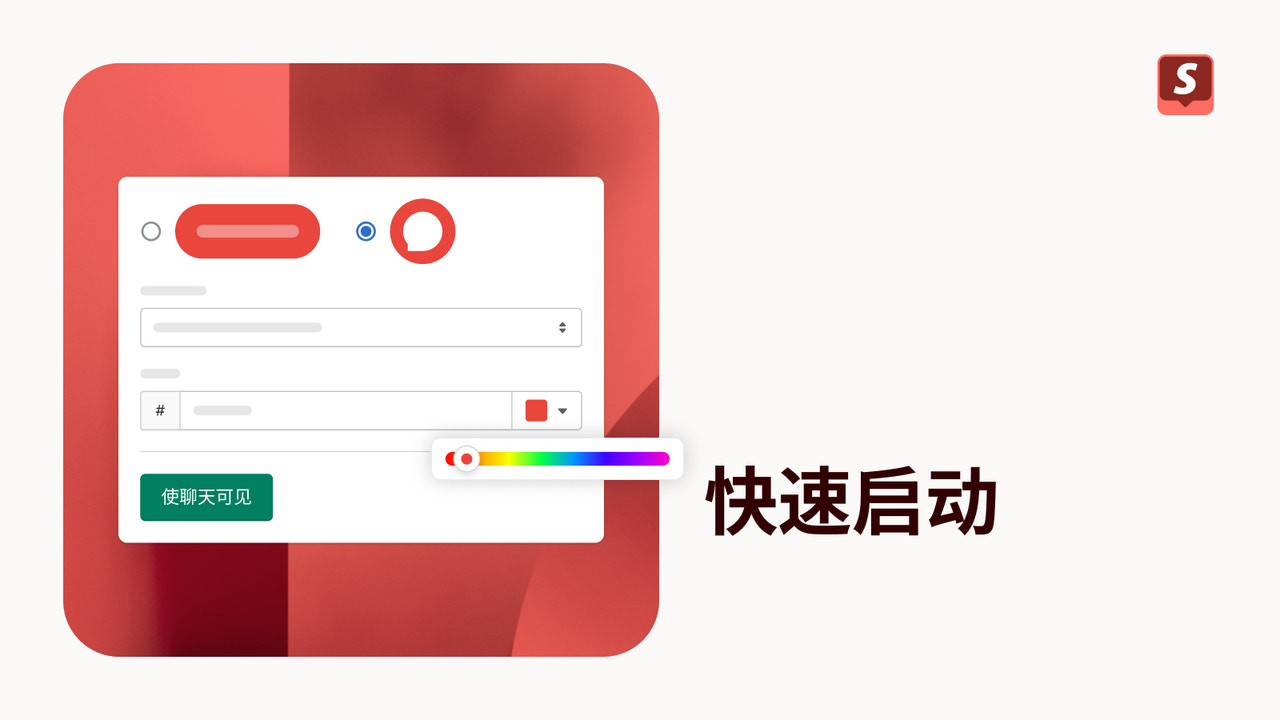
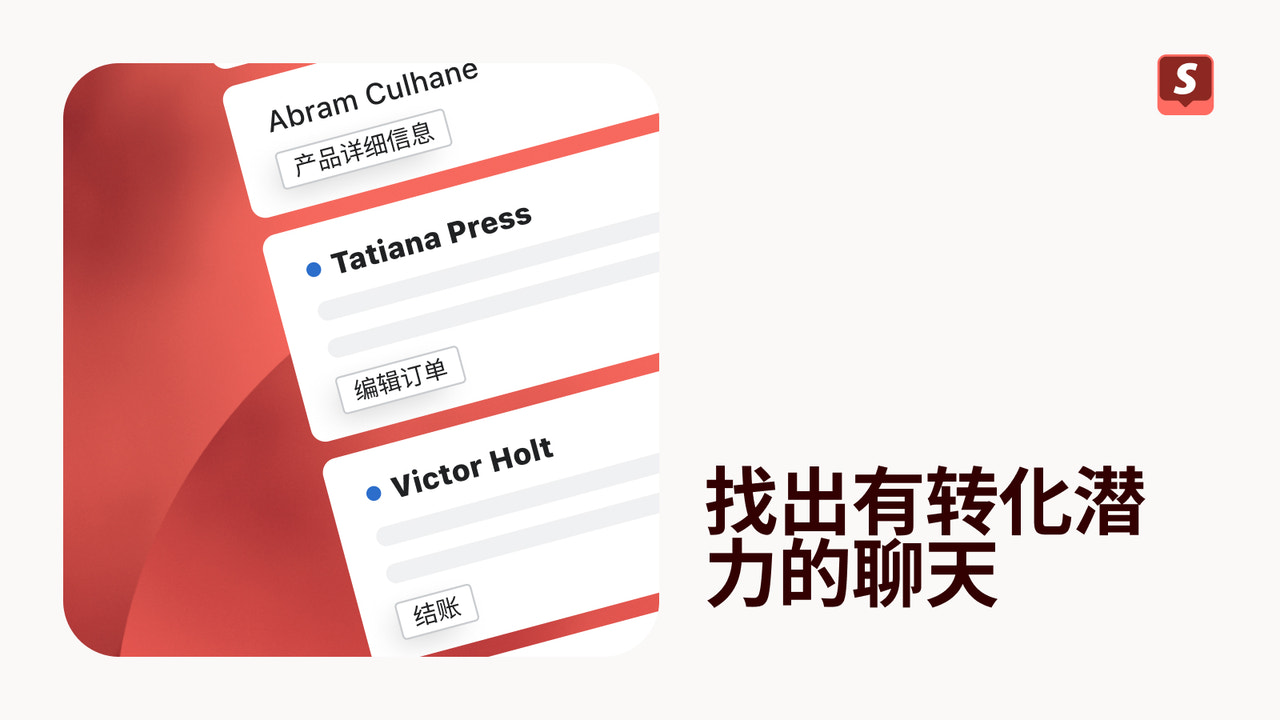
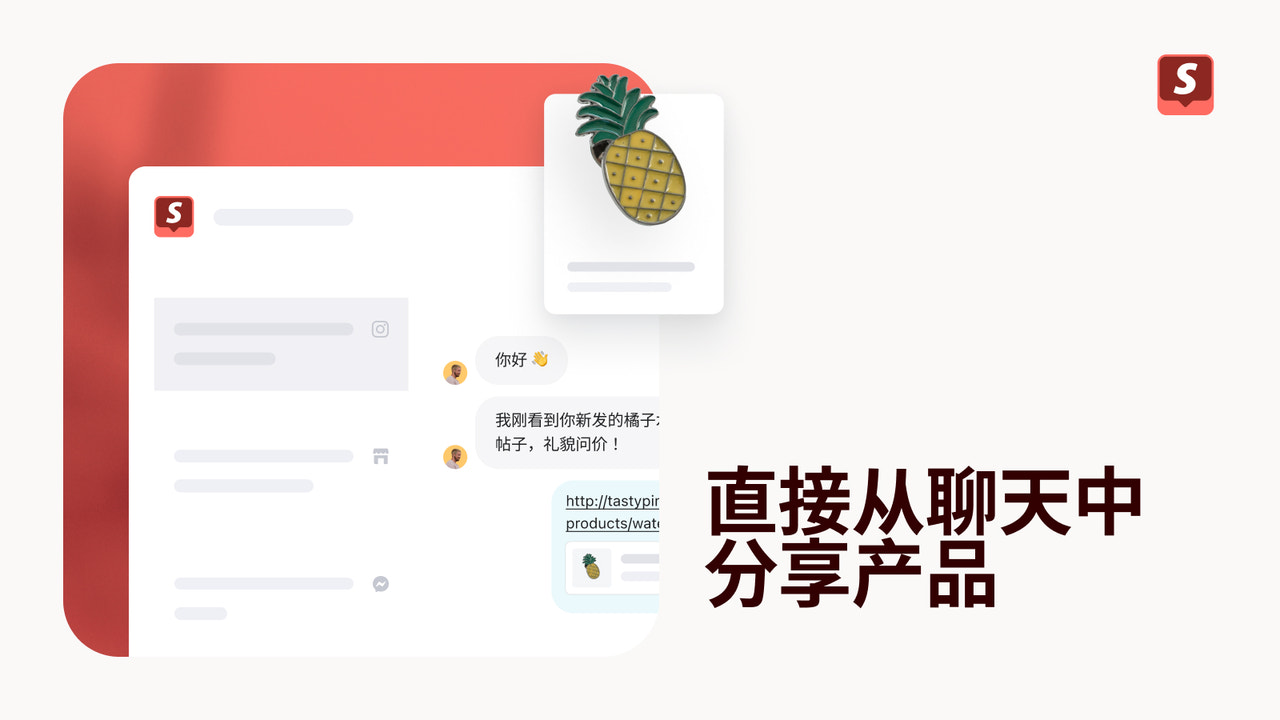


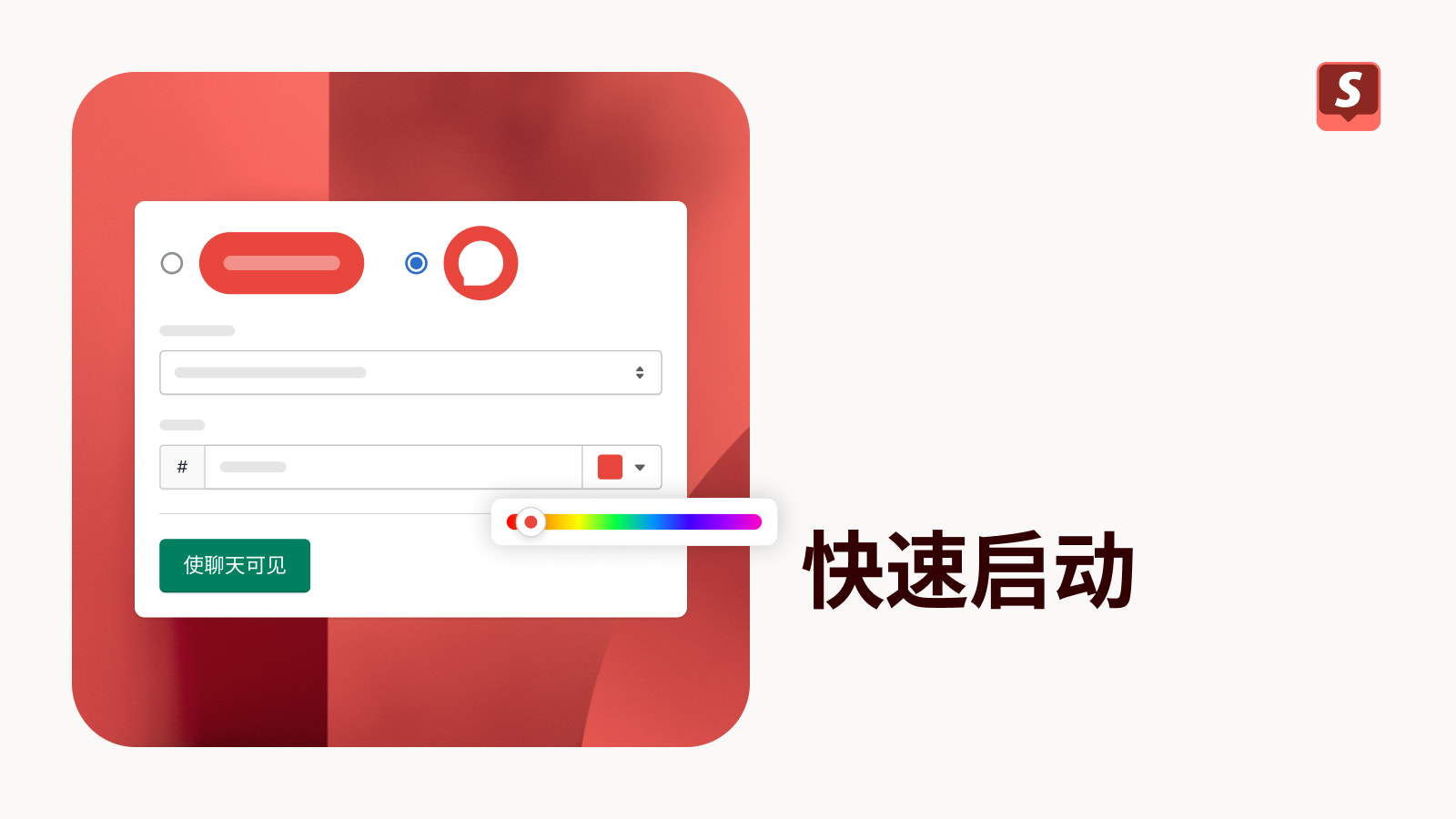



通过聊天与购物者联系,从而获取新客户并完成销售。
Shopify Inbox 是一款免费的消息工具,让您可以在客户购物时与他们聊天。事实上,70% 的 Inbox 对话都是与正在购买商品的客户进行的。您可以在聊天时使用实时客户信息(例如客户浏览过的产品、购物车内容以及过往订单)来量身定制发送给客户的消息。您还可以推荐产品或提供折扣来提高订单金额。运用自动回复、常见问题解答和个人聊天体验更快地帮助客户。
- 在 Shopify 后台中使用无缝工作流打开聊天并跟踪结果。
- 管理在线商店聊天和 Shop 应用的对话。
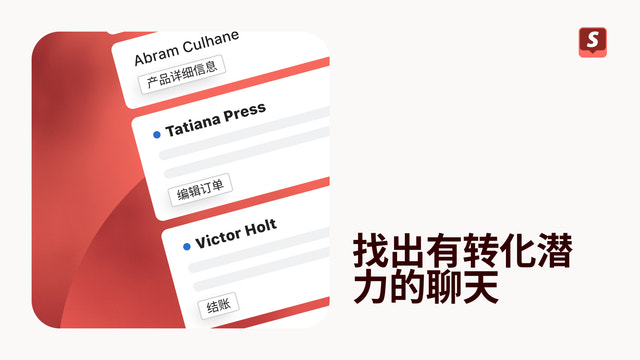
- 通过客户资料和购物车详细信息快速了解客户。
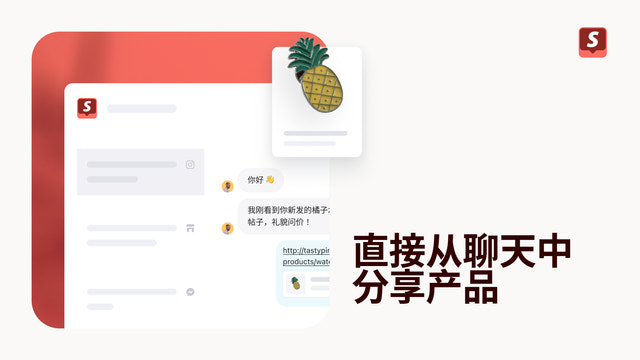
- 无需退出聊天即可发送产品推荐、照片和折扣。
- 自动化问候语、联系方式获取和常见问题解答,大幅节省您和客户的时间。
- 深受您的同类商店的喜爱
- 位于美国
语言
英语, 法语, 德语, 意大利语, 日语, 葡萄牙语(巴西), 西班牙语, 简体中文, 繁体中文, 捷克语, 丹麦语, 荷兰语, 芬兰语, 韩语, 挪威语, 葡萄牙语(葡萄牙), 瑞典语, 泰语, 土耳其语, 越南语,以及 波兰语
适配以下产品:
- Shopify 后台
评论 (5,490)
1. Loading is far too slow! If the network is slightly worse, the loading speed is 3-5 times slower than the old version!
2. The FAQ section only appears when customer service agents are offline, rendering it practically useless; under normal circumstances, it merely displays static, meaningless product images.
3. The AI chatbot fails to answer questions even when the relevant information exists in the Knowledge Base; it only responds if the details are explicitly described on the product page itself. This is extremely inconvenient for listing products via modular plugins.
4. It is no longer possible to customize the underlying behavior of the AI chatbot (e.g., you cannot customize the automated response triggered when handing off the conversation to a human agent).
5. The inability to customize the AI's core logic means it acts foolishly when encountering unfamiliar questions and delivers stiff, unnatural responses; optimization relies entirely on Shopify code adjustments rather than allowing for direct customization of the AI's persona or behavior.
Thank you for the detailed list. The core issue you raised, no email means no identification and no delivered replies, is what we fixed. A new Inbox setting lets customers share their name and email to start a chat, like the previous Inbox, so conversations connect to a real contact again. It is rolling out to all stores now under Sales channels > Inbox > Chat settings > Collect customer details. Choose Require name and email there (the other options are Require customers to sign-in and Allow anonymous chats). One note: this applies to chats with your team. The AI agent still answers anonymous visitors instantly, by design, so customers get help in seconds even while you are offline. We default to sign-in because it confirms the customer owns the email they leave, but you can now choose the simpler path. Your notes on SKUs and split conversations are with the team.
Shopify Inbox previously required visitors to provide their name and email address (for follow-up purposes) before sending a message; it now allows anonymous chats, though messages cannot be delivered to the customer if they leave the conversation.
Thank you for the precise description. That gap, anonymous chats with undeliverable replies, is what we fixed. A new Inbox setting lets customers share their name and email before chatting, like the previous Inbox, so your replies can reach them after they leave. It is rolling out to all stores now under Sales channels > Inbox > Chat settings > Collect customer details. Choose Require name and email there (the other options are Require customers to sign-in and Allow anonymous chats). One note: this applies to chats with your team. The AI agent still answers anonymous visitors instantly, by design, so customers get help in seconds even while you are offline. We default to sign-in because it confirms the customer owns the email they leave, but you can now choose the simpler path for your store.
It’s not as user-friendly as before, and I don’t like the new design. I hope you can bring back the previous version.
支持
应用支持由 Shopify 提供。
数据访问
这个应用需要获得以下数据的访问权限,才能在您的商店中运行。 如需了解原因,请查阅开发人员的隐私政策 。
查看客户数据:
敏感数据、 设备和活动数据
-
敏感数据
姓名、 电子邮件地址、 电话号码、 实际地址
-
设备和活动数据
地理位置、 IP 地址、 浏览器和操作系统
查看员工和协作者数据:
店主、 员工
-
店主
姓名、 电子邮件地址、 电话号码、 实际地址
-
员工
姓名、 电子邮件地址、 电话号码
查看和编辑商店数据:
客户、 产品、 订单、 商店抵扣额、 商店分析、 员工账户、 在线商店、 Shopify 后台、 其他服务
-
编辑客户
客户数据
-
查看产品
产品清单, 产品、 产品系列
-
编辑订单
所有订单历史记录, 已分配的发货, 草稿订单, 商家管理的发货, 退货、 第三方发货
-
查看商店抵扣额
商店抵扣额账户
-
查看商店分析
分析、 报告
-
查看员工账户
员工账户
-
编辑在线商店
结账页面, 检查 Web Cookie 和转化跟踪像素代码, 在线商店设置、 模板
-
查看 Shopify 后台
法律政策
-
查看其他服务
应用
-
查看其他数据
品牌设置, 结账设置, 区域设置、 定价规则
专题展示


更多此类应用


达到我们在性能、设计和集成方面的最高标准。 详细了解 在新窗口中打开


